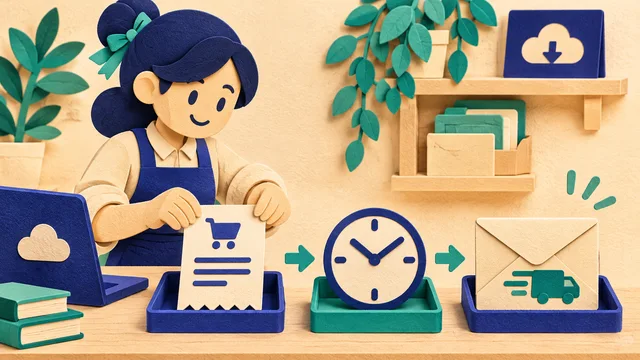
Sell License Keys Online with Automatic Delivery
Set up a license SKU, import keys and verify one complete delivery on a storefront supporting Chinese payment channels.

Start with one precise SKU, such as a single-device, 30-day license. Create a separate product for a team or annual edition. State the activation steps, supported devices and when the validity period starts before accepting payment.
Verify a license sale end to end
- List the SKU. Enter its price, category and fee bearer. Match the listing to the edition supplied by your vendor.
- Load stock. Select that exact product and import one license per line. Reconcile the added count with available stock using the TXT import guide.
- Review checkout. Open the storefront, choose a quantity and compare the subtotal with the amount due for the selected channel.
- Run a test order. After a successful test payment, check both the buyer’s delivery screen and the merchant order status. Match the quantity issued to the stock change. Retrieve the same order again to verify the support path.
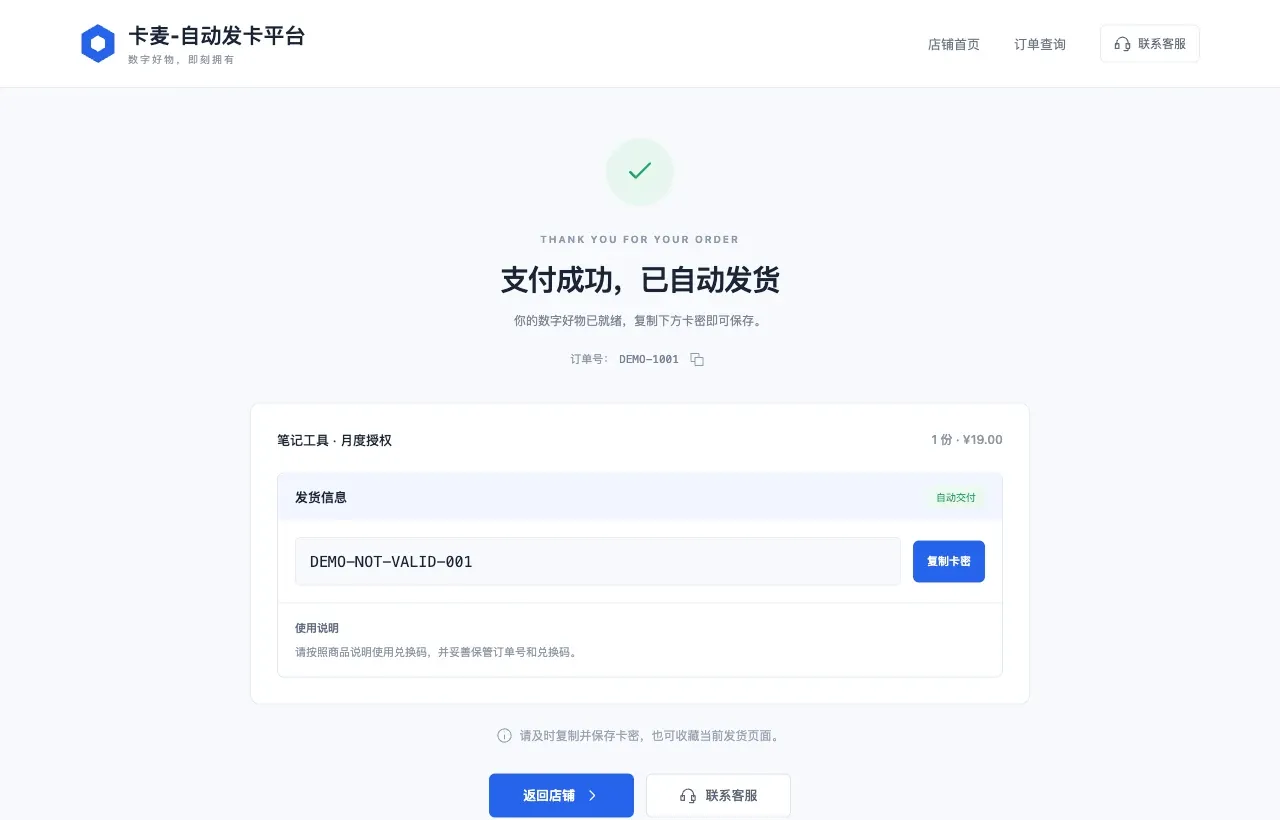
If the buyer reports a missing license, check payment confirmation first. A delivered order can be retrieved using its order number. For an unresolved status, retain the timeline and check the stock assigned to that SKU. See selling software license keys for the store setup checklist.
Frequently asked questions
Can different editions share one stock pool?
Create separate products so each order draws the correct license edition.