
 USDT
 Alipay
 WeChat Pay
 Bank card

Alipay, WeChat Pay and USDT Fees on a ¥100 Order
Work through a ¥100 order across three channels and see how the fee bearer changes buyer total and merchant income.
1 min read
Accept USDT, Alipay and WeChat Pay. Buyers receive their code the moment they pay.
Payments & payouts
Buyers pay with USDT, Alipay or WeChat Pay and the platform collects every payment. Kamai assesses the merchant’s business category to determine the settlement cycle (T0, T1 or T7). Once order proceeds become available, the merchant can request a withdrawal.
Settlement detailsChoose who pays the fee for each product. Buyers always see the final amount before they pay.
How it works
Four steps to open your store. After that, every order is delivered automatically, around the clock.
Register with a username and password and your store opens instantly.
Add a title, description and price, then pick a store layout.
Give each product its own inventory and bulk-import the codes you sell. See how automatic delivery works
Share your store link. Buyers pay with USDT, Alipay or WeChat Pay and get their codes automatically, 24/7.
FAQ
About opening a store, buying and getting paid.
Sell digital goods supplied as codes, such as software license keys or redemption codes for digital assets and e-books. Import codes for each product and buyers receive them automatically after payment.
No. Buyers pick a product, quantity and payment method and check out. The code appears on the page right after payment; an email address is optional, and the delivery page always keeps the result.
Yes. Each merchant has one store with its own products, code inventory and orders. Stores can use a product-card or compact-list layout and switch between light and dark themes.
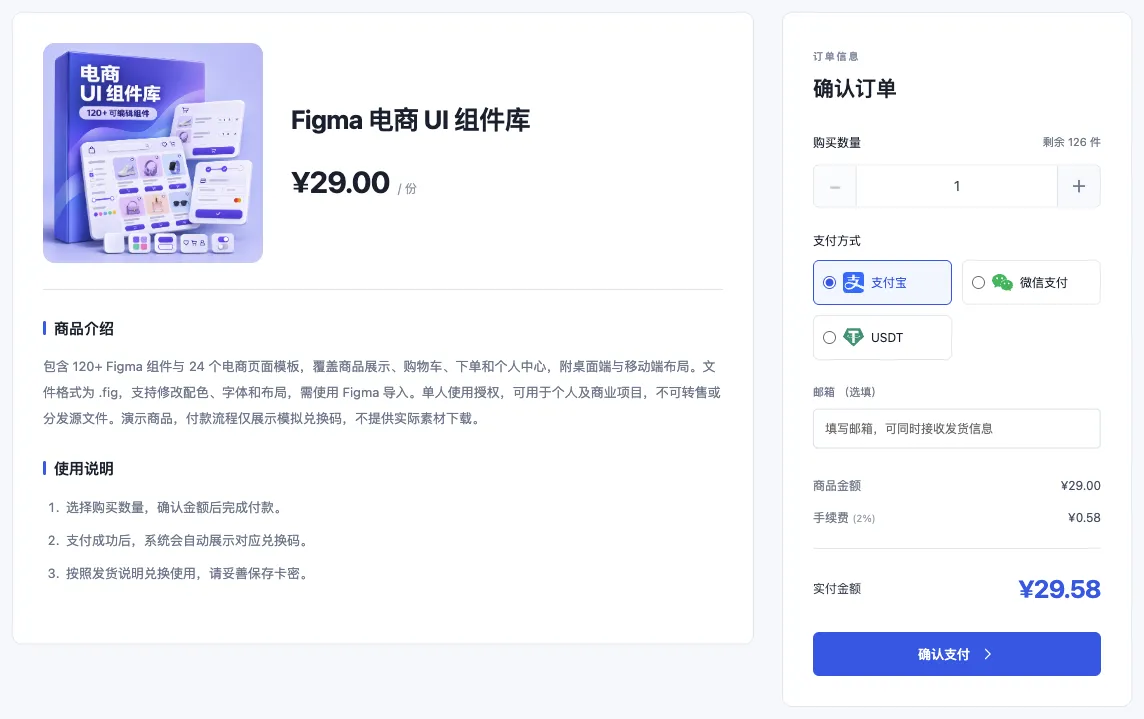
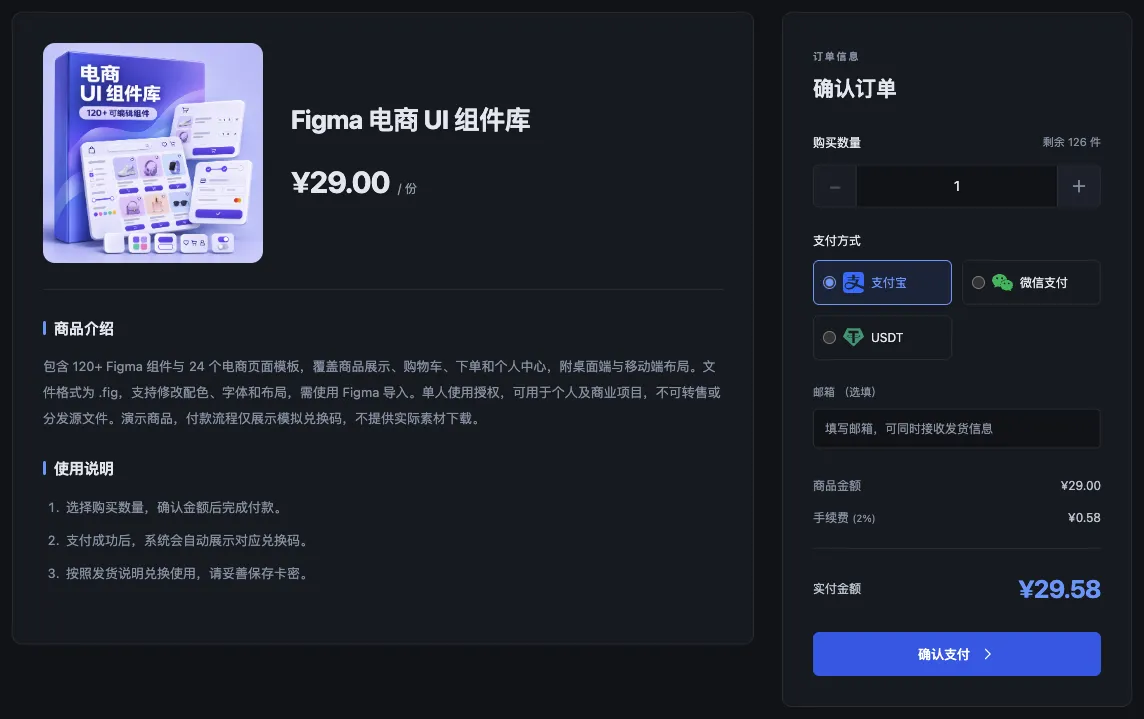
The platform sets a fee rate per merchant, and merchants choose for each product whether they or the buyer pay it. When the buyer pays, the checkout page shows the fee and the total amount.
USDT, Alipay and WeChat Pay. Once a payment succeeds, the system delivers the code instantly on the delivery page, 24/7, with no need for the merchant to be online.
Kamai assesses the merchant’s business category to determine the settlement cycle (T0, T1 or T7). After delivery, proceeds become available according to that cycle. Kamai reviews withdrawal requests before issuing payment. Payouts can go to USDT, a bank card or Alipay, requested manually or created automatically, with fees set per merchant.
Right after sign-up. Once your merchant account is created you can list products, import codes and share your store link with no review wait.
Follow one sample order from stock and checkout to delivery, then retrieve it from order lookup. See the seller guide for the setup steps.
Guides
Practical tips on opening a store, managing code inventory and choosing a layout. View all posts
Work through a ¥100 order across three channels and see how the fee bearer changes buyer total and merchant income.

Set up a license SKU, import keys and verify one complete delivery on a storefront supporting Chinese payment channels.

Trace a missing or rejected code from payment to delivery and record the evidence without exposing customer credentials.
Check your product editions, code inventory and payment settings before opening your store.